

In the digital era, running hundreds of accounts simultaneously across social media and e-commerce platforms has become an essential need for businesses and MMO professionals. However, investing in large numbers of physical smartphones is not only costly and difficult to maintain, but also poses potential risks such as battery overheating and fire hazards.
This is where Cloud Phone technology, combined with the power of the Hidemium Antidetect Browser, emerges as an ideal alternative. Let’s explore how this setup enables you to manage multiple accounts efficiently, securely, and at scale.
1. Why Managing Multiple Mobile Accounts Is Becoming Increasingly Difficult
Managing multiple mobile accounts has become more challenging as platforms such as Facebook and Google tighten their controls using AI and advanced device identification technologies. When multiple accounts log in on the same smartphone or share identical mobile fingerprints—such as IMEI, operating system, device model, or usage behavior—the system may flag them as high risk and trigger mass account suspensions.
As a result, operating large numbers of mobile accounts through traditional methods is no longer safe or sustainable.
2. What Is a Cloud Phone and Why Is It Necessary?
A Cloud Phone is essentially a virtual mobile device running on a cloud-based platform. Each Cloud Phone comes with its own:
Unique Android ID
Dedicated IMEI
Independent Google Services
Isolated storage, applications, and data
Instead of physically holding a real smartphone, you can fully control a functional Android device directly from your computer browser—logging into apps just like on a real phone, managing large numbers of mobile accounts, and eliminating the need to invest in a physical phone farm.
However, a Cloud Phone alone only solves the hardware aspect. It does not fully address issues such as:
IP address and browser location
Web access environment
Browser fingerprinting when operating on a computer
This is why Cloud Phones need to be combined with an Antidetect Browser. When integrated with an antidetect browser like Hidemium, Cloud Phones provide a comprehensive solution to hardware-related risks. You no longer need to purchase dozens of physical phones, worry about battery degradation, or deal with maintenance hassles—while still being able to access and manage your accounts anytime, anywhere.

3. Benefits of Using Cloud Phone with Hidemium
Hidemium is more than just an antidetect browser—it is a powerful tool that seamlessly integrates Cloud Phone technology to optimize your workflow and enhance overall operational efficiency.
3.1 Optimizing Hardware Investment Costs
Instead of spending hundreds of millions of VND to build a physical “phone farm,” using Cloud Phones allows you to significantly reduce hardware investment costs. You only pay for what you actually use, without worrying about device depreciation or maintenance.
With Cloud Phone on Hidemium, you can:
Create Cloud Phones on demand
Manage everything centrally within Hidemium
Experience Hidemium today: Hidemium
3.2 Reducing the Risk of Account Suspensions
One of the main reasons accounts get suspended is that platforms detect multiple accounts logging in from the same device or from poor-quality IP ranges.
With Hidemium, each Cloud Phone operates as an independent device with its own unique fingerprint. This creates a clean and isolated environment, making multi-account management safer and significantly reducing the risk of platform scans, restrictions, or mass account locks.
3.3 Centralized Management and Automation
Hidemium allows you to operate multiple Cloud Phones simultaneously from a single desktop interface. This centralized setup saves time and effort while making it easy to monitor and control the status of each account efficiently.
4. Steps to Set Up Account Management with Hidemium
To get started with secure multi-account management, follow this standard workflow:
Step 1: Install the software
Download and install the latest version of Hidemium.
Step 2: Set up profiles
Create new profiles in Hidemium based on the number of accounts you need to manage.
Step 3: Integrate Cloud Phone
Connect a Cloud Phone service to each profile. Make sure every profile uses a separate proxy to avoid IP overlap.
Step 4: Operate and manage
Log in to your accounts and carry out activities such as browsing feeds, interacting, or posting content.
Learn more:
5. Key Precautions to Avoid Account Suspension
Even though Cloud Phone and Hidemium are powerful tools, you still need to follow certain best practices to ensure maximum account safety:
Avoid excessive actions:
Even with a “clean” device environment, performing actions too quickly or spamming continuously can still trigger account locks. Always simulate natural, human-like behavior.Use high-quality proxies:
A reliable Cloud Phone should be paired with a clean IP address—such as residential or 4G/5G proxies—to pass security checks effectively.Keep the software up to date:
Always use the latest version of Hidemium to benefit from updated browser engines and advanced fingerprint protection for better anonymity.
6. Conclusion
Managing large numbers of accounts on traditional physical devices is becoming increasingly outdated due to high costs and a high risk of account suspensions. The combination of Cloud Phone and Hidemium is the key to solving this challenge—helping you reduce costs, ensure smooth operations, and maximize account protection.
If you are looking for a sustainable solution for multi-account management, now is the time to begin your digital transformation.
Download and start using Hidemium today to experience the difference: Hidemium
Related Blogs

Imagine you are relaxing after a day of work by playing a game on your browser, when suddenly a message appears: “Your browser does not support WebGL.” This will definitely make you upset as you cannot continue your experience.At that point, you might be wondering: “Is there anything wrong with my device?” Don't worry! The problem is not with your device, but usually WebGL is not enabled in the[…]

Automatic CAPTCHA solving is now a standard part of data scraping, web-service testing, and other automation jobs. CAPTCHAs were built to block bots. For developers and scrapers, they are just one more barrier. Anti-CAPTCHA services remove that barrier by mixing algorithms (OCR, neural nets) with human solvers when pure automation fails. This piece runs a technical comparison of eight services:[…]
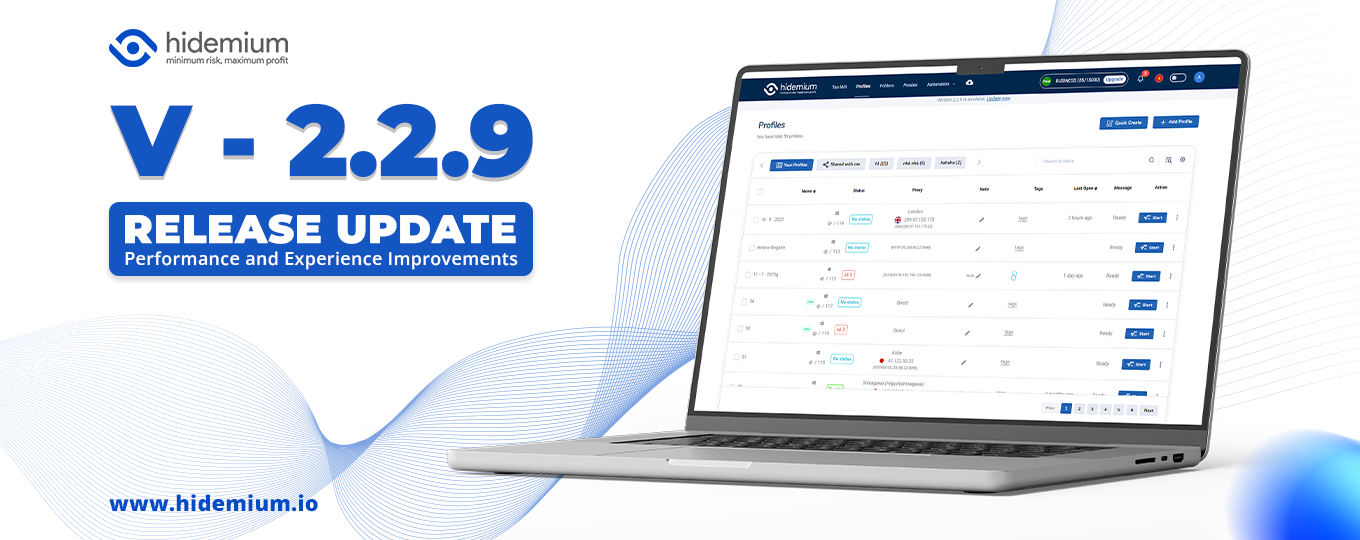
Bản cập nhật này bao gồm các tính năng và cải tiến mới: Thêm tính năng Team member – Cải tiến chức năng Automation đa luồng – Cải tiến màn hình Create + Edit – Đổi cơ chế Sync file – Fix bug http Automation

IPv6 (Internet Protocol version 6) is the latest Internet protocol designed to replace IPv4, which is gradually running out of available addresses. With its 128-bit length, IPv6 provides an almost unlimited number of IP addresses while also improving connection speed, security, and support for IoT devices.However, not all users know whether their network already supports IPv6. Below are 4 simple[…]
.png)
GoLogin, one of these Antidetect Browser oldest and popular, has established a strong position in protecting online identities and maintaining anonymity while browsing the web. However, with increasingly strong competition from competitors with modern technology, attractive prices and more intuitive interfaces, is GoLogin really worth the investment? Let's find out the details to make the right[…]

Cherry Proxy (formerly known as 360Proxy) still maintains its position as one of the services trusted civil proxy on the market. The name has changed, but the core quality has not. If you have used 360Proxy before, you will feel familiar; if not, now is the perfect time to explore it in more detail.In this article, Hidemium will be comprehensively evaluated 360Proxy/Cherry Proxy 2025: from[…]
