

Khi sử dụng antidetect browser, điều đắn đo nhất của các bạn là khi mình gắn proxy vào thì thực tế IP gốc mình có bị rò rỉ hay không. Điều này quyết định khá lớn rằng tài khoản của các bạn có nguy cơ suspend hoặc CO có ped hay không. Hôm nay Đạt sẽ hướng dẫn anh em cách nhận biết thực tế IP của mình có bị leak không nhé. Dưới đây Đạt sẽ để 1 số link cơ bản để kiểm tra:
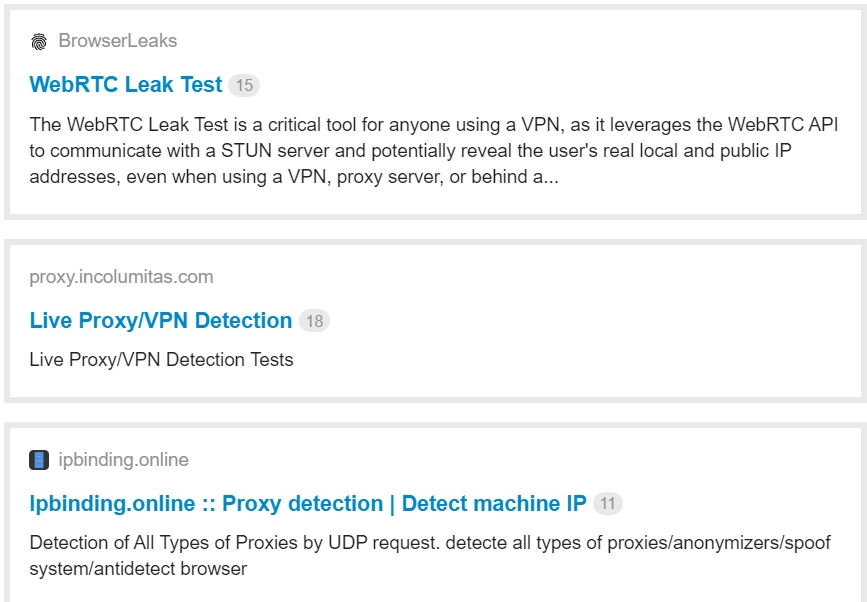
Đầu tiên với browserleaks chúng ta nhìn thấy:
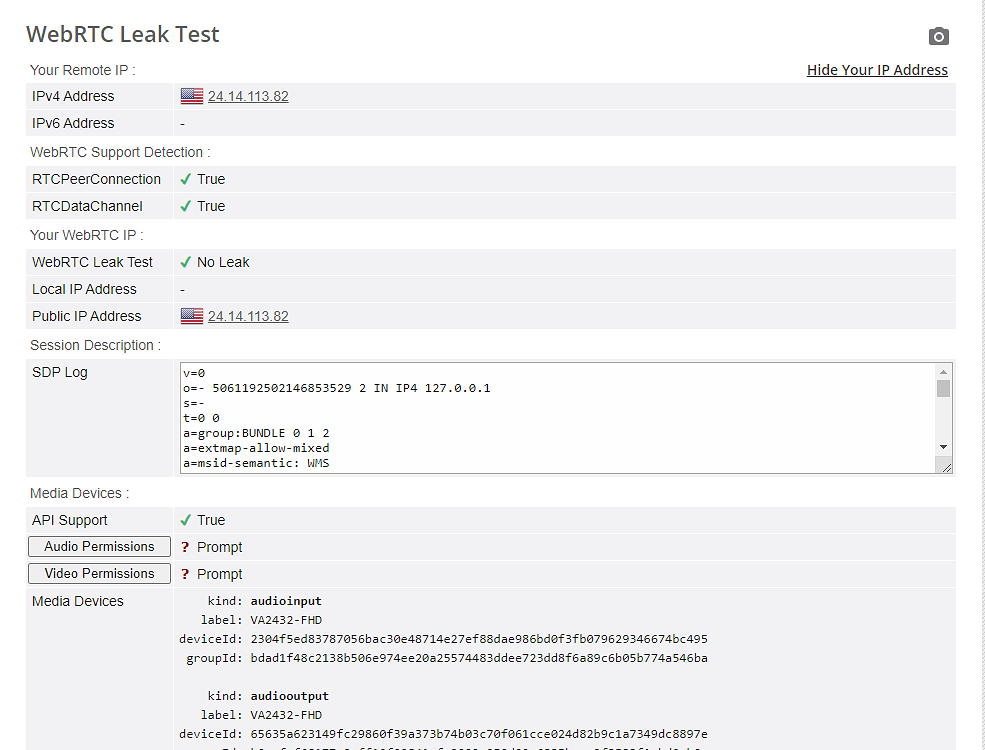
Thông tin ở group
Your Remote IP (IPv4 Address) : 24.14.113.82
Your WebRTC IP (Public IP Address) : 24.14.113.82
Ở 2 thông số này trùng nhau, WebRTC Leak Test trả về  No Leak
và tất nhiên SDP Log không chứa IP thực tế bị leak thì chúng ta đã hoàn tất kiểm tra tại browserleaks.
Tiếp theo ta kiểm tra tại incolumitas:
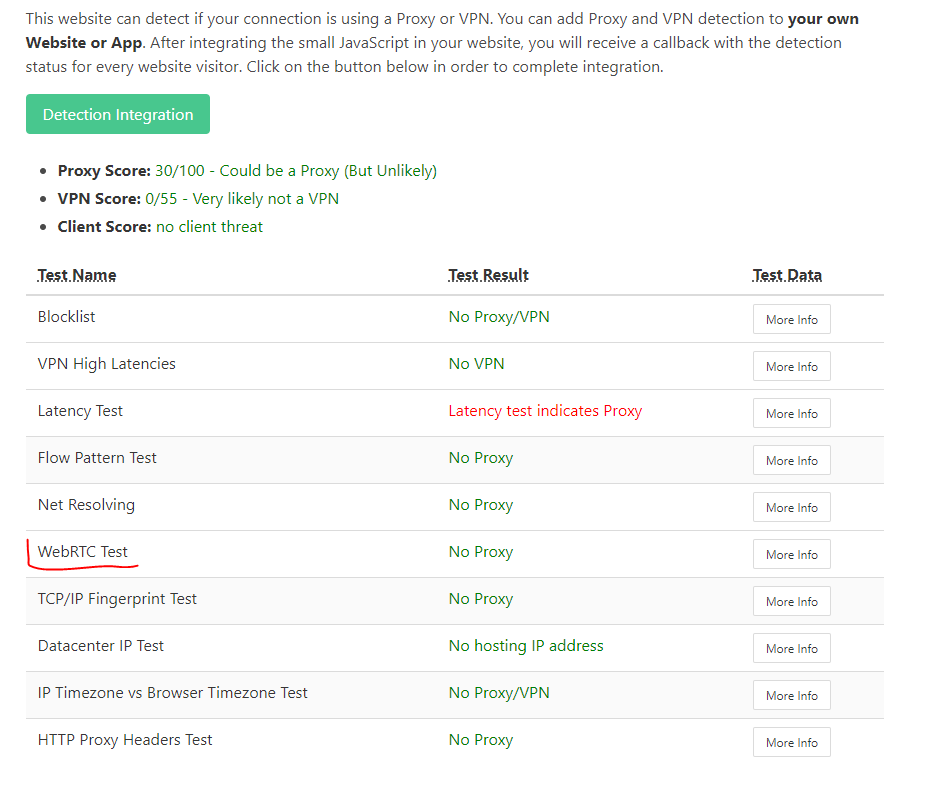
Ta quan sát ở WebRTC Test trả về No Proxy nhưng phải là màu xanh. Còn là màu xám thì nó sẽ là không lấy được IP đã thay thế. Điều này sẽ rủi do không khác gì disable webrtc
Tiếp theo ta vào chrome://webrtc-internals/
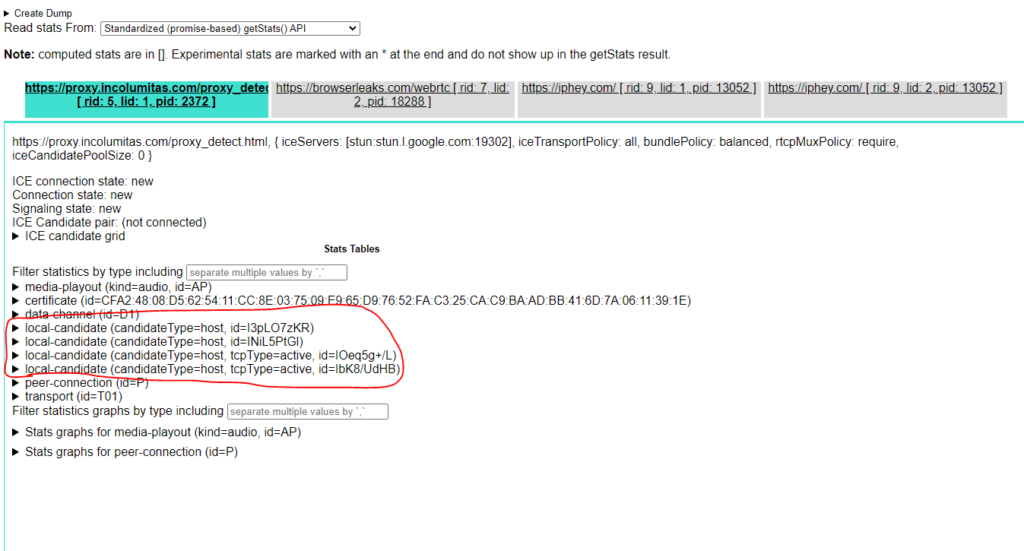
Chọn view của incolumitas, nhấp xem chi tiết quan sát không thấy leak IP thực tế của mình thì ok chúng ta đã vượt qua bài test của incolumitas.
Với trường hợp của ipbinding:

Chúng ta nên check lại IP show ra của proxy với IP thực tế của mình nếu không trùng nhau hoặc không bị leak thì sẽ được báo No Proxy
Để tỷ lệ account sống cao hơn hoặc đi đơn tốt nhất, chúng ta nên trang bị cho chính bản thân mình kiến thức thực tế, tương tự các bạn lựa chọn sản phẩm tốt nhất phù hợp với công việc của bạn.
Related Blogs


In the digital age, protecting your identity and managing multiple online accounts has become increasingly important. Proxy 911 S5 has been known as one of the most powerful and stable residential proxy solutions on the market. This article will help you understand what Proxy 911 S5 is, its pros and cons, and whether this is the right tool for your security, business, or automation needs. Let's[…]
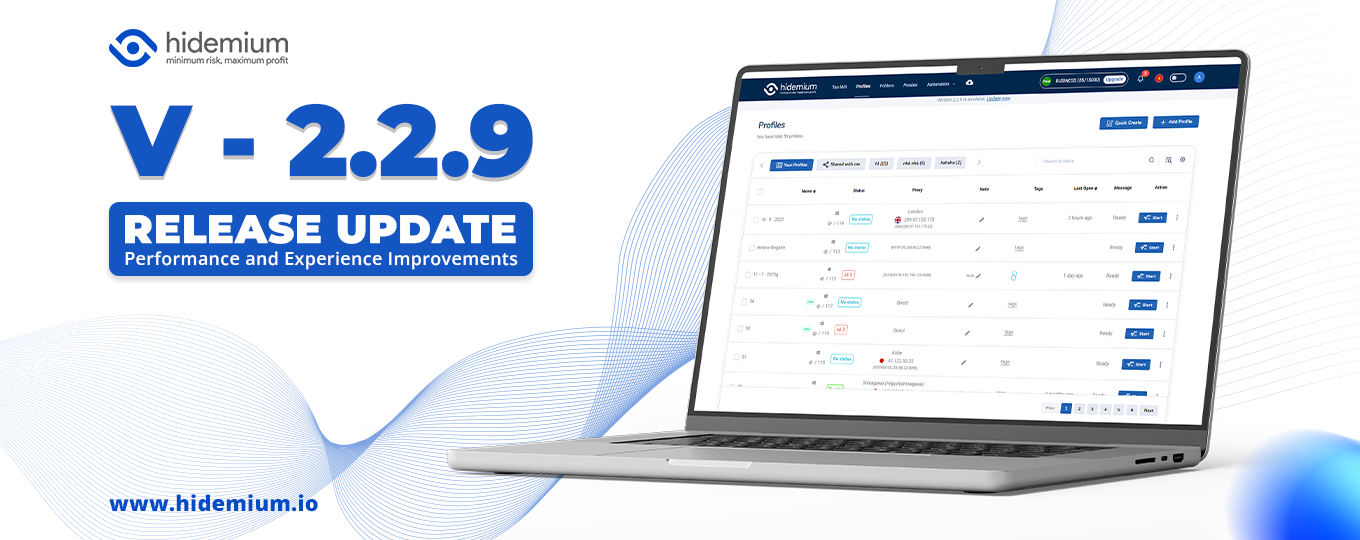
Bản cập nhật này bao gồm các tính năng và cải tiến mới: Thêm tính năng Team member – Cải tiến chức năng Automation đa luồng – Cải tiến màn hình Create + Edit – Đổi cơ chế Sync file – Fix bug http Automation
.png)
In an era where online privacy and multi-account management have become vital for MMO, dropshipping or marketing people, antidetect browsers act as a "powerful assistant". Among them, XLogin used to be known as a popular choice. However, by 2025, many users began to question XLogin's stability, browser camouflage, and performance.So where is it? the most reliable XLogin alternative today? In this[…]

Scaling your business on TikTok is the goal of many sellers. However, the biggest obstacle when operating multiple shops is the platform’s strict moderation policies. If you’re not careful, even a small mistake related to IP addresses or devices can result in mass shop suspensions, causing serious losses in revenue and operational time.So how can you manage multiple TikTok Shop stores without[…]
.png)
BitBrowser 2025 – A Simple and Powerful Anti-Detect Browser for Multi-Account Management Managing multiple online accounts across platforms has become a daily necessity for marketers, e-commerce sellers, crypto users, and digital professionals. However, the risks of account linkage, bans, and privacy leaks are more real than ever. That’s where BitBrowser comes in—a robust anti-detect browser[…]
