
1. Open the Hidemium app, and select New browser Profile.

2. Click on Proxy settings.

3. From the dropdown menu select HTTP proxy.

4. Enter the proxy details, e.g. pr.lunaproxy.com:12233 and your sub-user username/password.


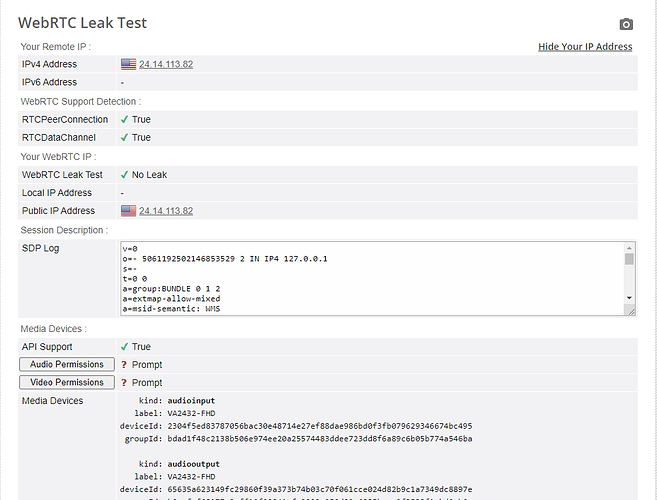
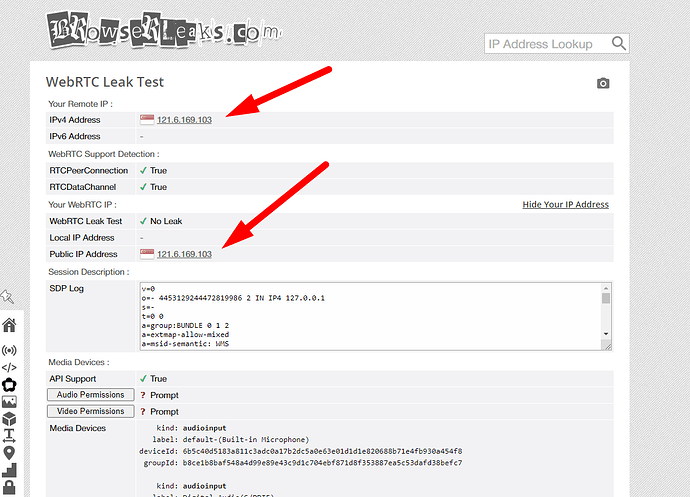
5. You can then click on Check proxy to see if setup is successful. All that’s left is to click the “create new profile” button.

HIDEMIUM
Related Blogs
Trên thị trường hiện nay có rất nhiều các app antidetect browser, tuỳ thuộc vào nhu cầu mục đích sử dụng của từng người sẽ có những lựa chọn app phù hợp với công việc của mình. Chúng ta sẽ review lại 1 lượt với app Hidemium để xem Hidemium đã và đang làm được […]


Browser Fingerprint: Tại Sao Lại Đáng Quan Tâm Khi Sử Dụng Phần Mềm Anti Detect Browser?

When managing multiple accounts on the same device, many individuals and businesses face issues such as unstable profiles and frequent account suspensions due to overlapping fingerprints, IP addresses, or behavioral patterns. This is where Antidetect Browsers become a foundational solution—giving each account its own distinct “digital identity,” enabling more stable operation and making detection[…]

Bạn đang nuôi 1 số lượng lớn tài khoản X trên hidemium, bạn muốn chuyển số lượng lớn tài khoản cho người nào đó muốn mua lượng account đó của bạn. Hệ thống X bảo rằng mày login mới thì lại phải nuôi lại cookie, thủ tục verify mất thời gian, không cẩn thận lại […]