

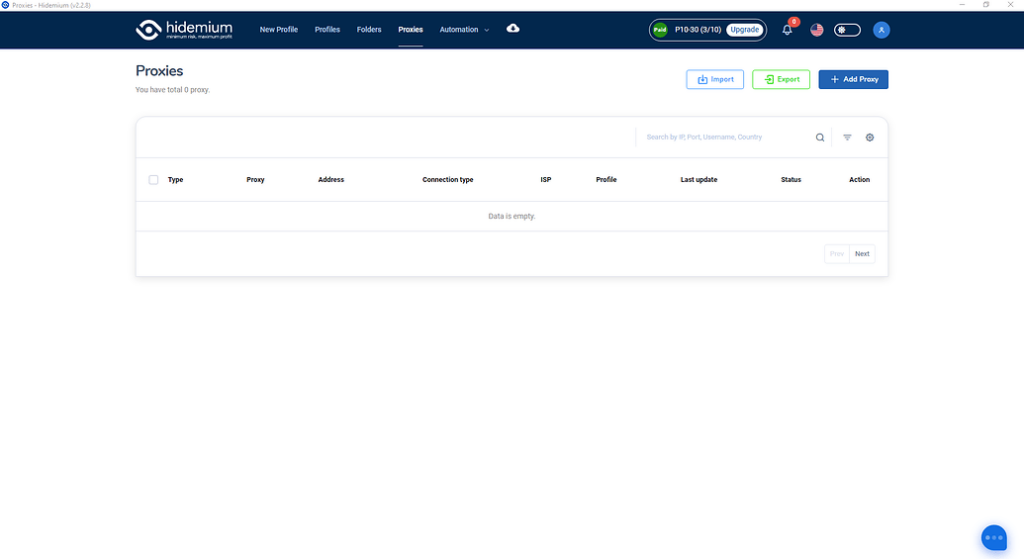
Tùy theo mục đích quản lý proxy của anh em nhé, màn hình này sẽ cho thấy bạn đã và đang dùng proxy nào, cho phép bạn check live sống chết của proxy ra sao, cho phép bạn tìm kiếm truy vấn filter theo proxy type, country, ISP, status…
Ok giờ chúng ta đi vào phần đầu tiên:

Anh em ấn vào nút Import thân thiện này hộ mình nhé.

Màn hình hiện lên ta có các lựa chọn sau đây:
Type: Kiểu proxy bạn muốn import hàng loạt
Type import: Kiểu định dạng import, nếu là text thì bạn paste text xuống ô Text bên dưới, nếu là file thì hãy chọn file để đưa vào import nhé.
Định dạng hỗ trợ của team mình đây nhé:
SSH,SOCKS5,SOCKS4,HTTP: IP|port|username|password
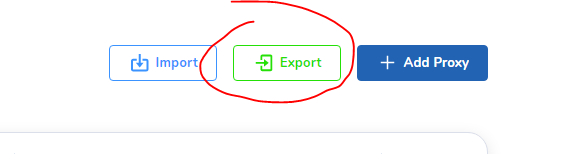
Chọn nơi cần lưu thế là đã lưu toàn bộ proxy của mình về nhé. Muốn đưa sang tài khoản khác lại chọn chức năng import có thể import nguyên data proxy từ tài khoản này sang tài khoản khác nhé.
ADD PROXY

Anh em điền loại proxy của mình vào rồi ấn Check Proxy trước khi là Add Proxy nhé. Proxy live mới cho Add vào nha.
CHECK LIVE

Anh em chọn proxy cần check, sẽ có nut Check Live hiện bên trên, việc của anh em là ấn check xong chờ kết quả nhé.

Tích xanh là Live
Tích đỏ là Die
Tương tự sẽ là chức năng delete xóa hàng loạt.
Đi vào chi tiết chúng ta có:
- Detail
- Quick create
- Edit
- Delete
Detail: Chúng ta sẽ xem được full thông tin proxy tại chức năng này

Quick create: Tạo nhanh profiles với Proxy đã chọn
Edit: Sửa lại thông tin proxy đã chọn, nhớ ấn check proxy trước khi lưu lại
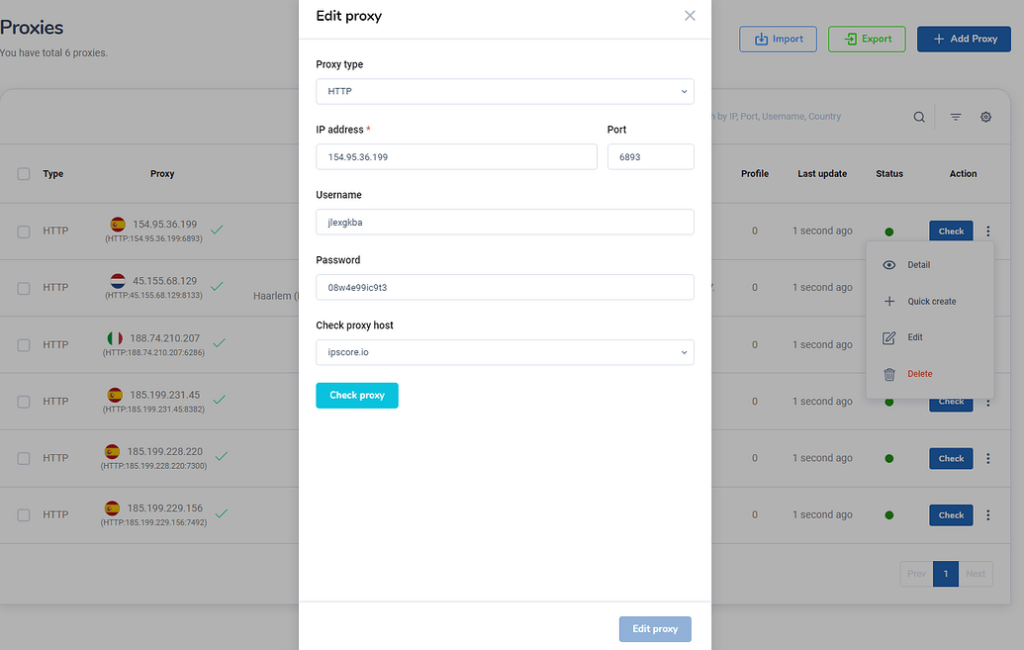
Delete: Xóa proxy đã được chọn
Và quan trọng hơn để sử dụng màn hình Proxy này anh em phải mua plan trước khi truy cập vào nhé. Link mua nâng cấp tài khoản tại: https://hidemium.io/pricing 1
Related Blogs

What is iTop VPN? iTop VPN is a service virtual private network (VPN) that helps protect identity, protect privacy, and increase security when accessing the Internet. This service encrypts access data and hides users' IP addresses, thereby avoiding tracking and overcoming geographical restrictions. In this article, Antidetect Browser Hidemium will guide you in detail Outstanding[…]
.png)
In the digital age, protecting privacy and accessing geo-restricted content on Android has become essential. Using a free VPN is an effective solution to browse securely, bypass access restrictions, and protect personal data. Here’s the list of the top 10 free VPN apps for Android in 2025, rated based on speed, security, and user experience.1. What is a VPN and why do you need it on Android?A VPN[…]

In the context of relationships with cyber security threats as cyberattacks continue to increase, protecting small businesses from cyberattacks has become a top priority. 2025 marks a turning point with many advanced technology solutions that help small businesses improve their defenses without spending too much money.This article Antidetect Browser Hidemium will introduce Top 13 Cyber Security[…]

Doing YouTube is no longer a trend, it is a serious career and can generate sustainable passive income, witnessing the development from "just for fun" to YouTube becoming a "billion dollar money making machine".If you're wondering, "Is YouTube still viable for beginners?", the answer is yes – and even more than before. This article Hidemium Antidetect Browser will summarize all the necessary[…]
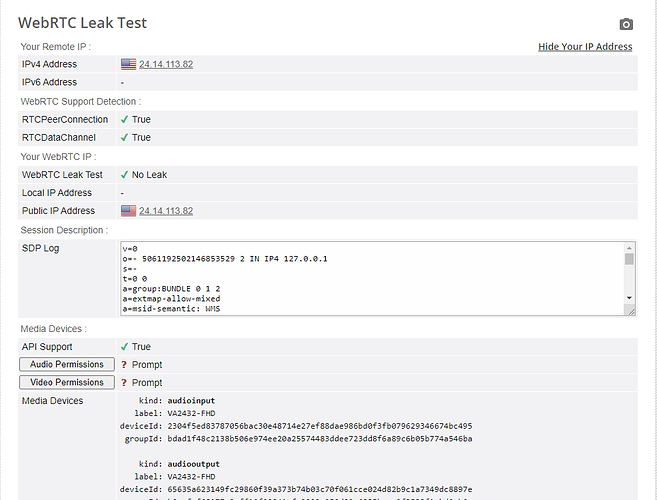
Cách Nhận Biết Antidetect Có Đang Bảo Vệ IP Thật Của Bạn. Ngày nay có rất nhiều phần mềm antidetect browser nổi lên, chiếm thị phần nhiều hơn và được quảng cáo rầm rộ là trình duyệt bảo mật an toàn nhất, fake thiết bị chuẩn nhất,… Nhưng đối với nhiều người thì khái niệm […]

MarsProxies and Hidemium: Integration Guide Managing multiple accounts from a single device has long been essential, especially for those handling numerous advertising, e-commerce, or social media accounts. An effective anti-detect browser simplifies this by isolating each account’s browser profile, cookies, and data, allowing safe management of multiple accounts without letting target websites[…]
